
EON-NO = EONJE? NORAE?
Made by a fan - for fans
Your K-pop memory lane, playable.

New fans and OGs play together.

Laugh. Sing. Debate the year.

One song and you’re back in that moment.
💗 Multi-fan welcome 💗 Party & Concert Vibes 💗 Gen 1 → Gen 5 💗 One card. One song 💗
How to play
-
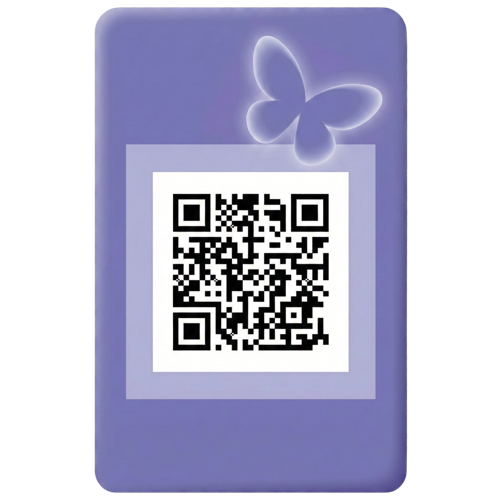
Pick a card
-
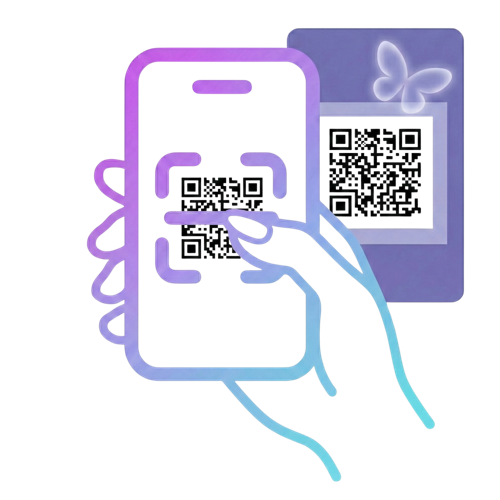
Scan the QR, play the song
-
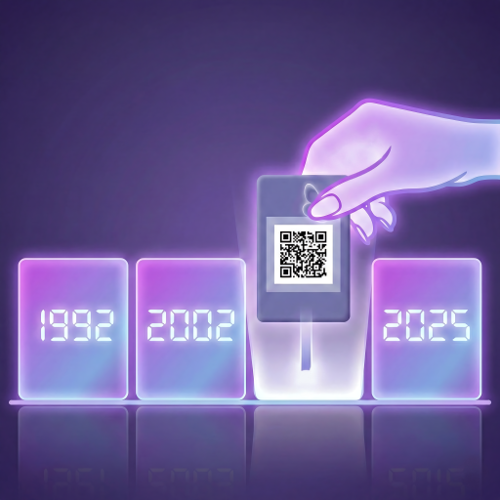
Guess the year, build the timeline
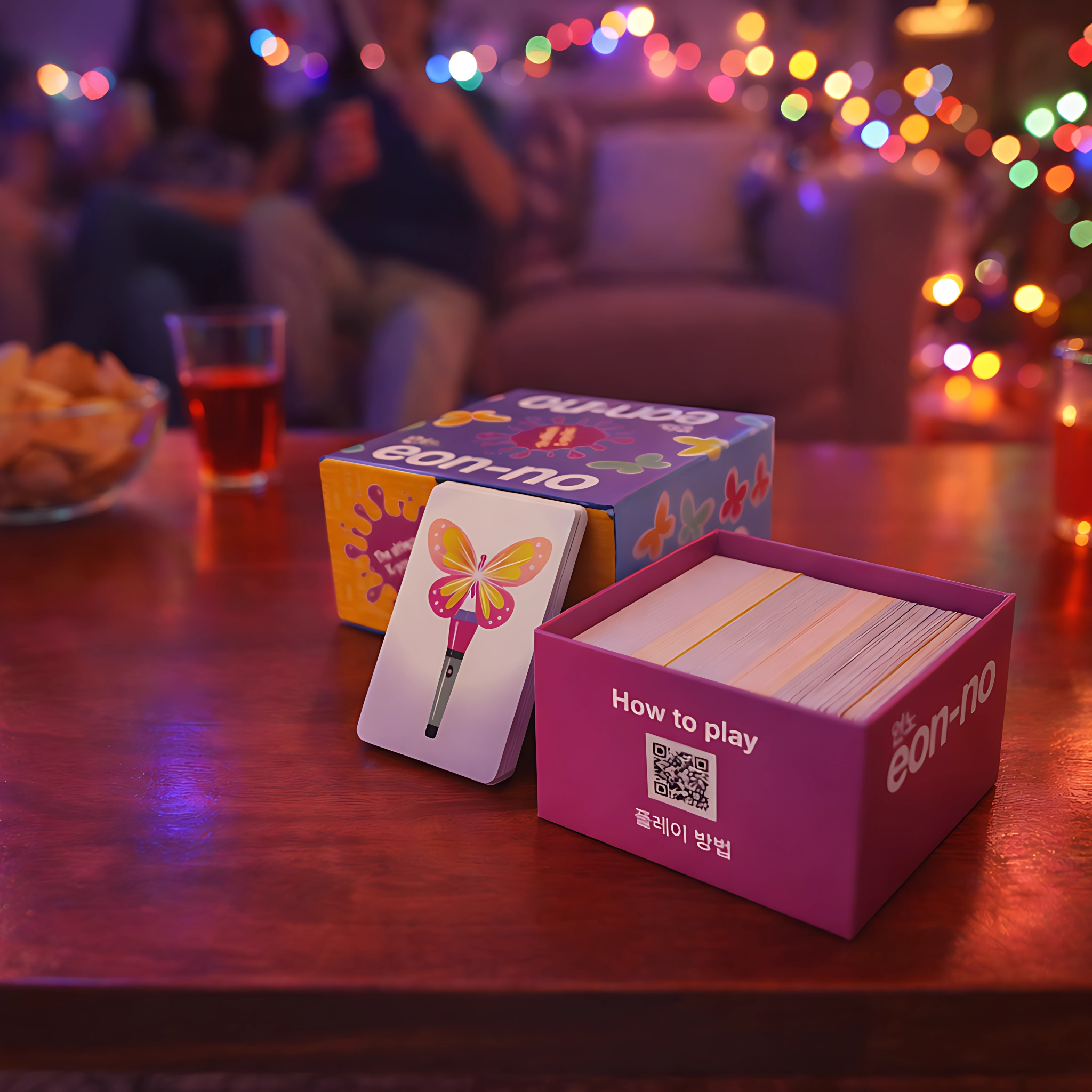
What’s inside the box?
-
🎵 280 song cards
1992 → today -
🪄 20 lightstick cards
Power-ups & sabotage -
⚡ Play in minutes
Scan in free app. Play. No subscription. -
✨ Everything included
Just open and start guessing
EON-NO
Designed to be played – and kept

A box you don’t hide
Premium physical game
Less screen, more moment
A gift that makes sense
FAQ
Quick answers before game night.
How many players?
Play with the group size that feels best for your night.
Small groups or larger parties both work. 1–6 players or teams.
Do I need internet to play?
Yes. An internet connection is needed to open the songs via the app.
The app is free and requires no login or subscription.
How long does a game take?
Totally up to you.
Play a quick round or go full marathon mode — you choose the vibe.
From 25 minutes.
Do I need a music streaming app?
Yes. You use your own music app to play the songs.
Eon-no currently supports Spotify and YouTube Music.
Will I pay customs or import fees?
No. All orders are shipped within the EU.
There are no customs or import fees.
Where can I find returns info?
Check our Returns Policy page for full details.
EU customers have a 14-day right of withdrawal.
Return shipping is paid by the customer.
I’m having trouble with the app. What should I do?
If the app doesn’t open, a song doesn’t start, or something doesn’t work as expected, try the following first:
- Make sure you have Spotify or YouTube Music installed on your device
- Check that you’re connected to the internet
- Restart the app (close it completely and open it again)
- If needed, restart your phone
If the issue continues, we’re happy to help. Please contact us at support@playeonno.com and tell us:
- what device you’re using (iPhone or Android)
- what happens when the issue occurs
We’ll get back to you as soon as possible.